
Basic Guide To AI Designing
How to get started with AI design, and working with coding agents in our product design process
What is AI Design?
What is a design engineer?
How to use Claude Code as a designer?
Why should I learn design engineering? (What problems does it solve?)
How do I get started? (Practical paths for designers and engineers)
My journey navigating this field and what I learned about this emerging discipline of ‘AI Design’. Here’s a mental mapping based on what I’ve gathered so far:
Vibecoding Solo
This includes: Mastering claude code, cursor, system prompts, AI design tools, AI prototyping, design systems / design tokens
Anyone can vibecode anythingDesigning AI Products
This includes 1 and: Prompt engineering, defining agent behavior, failure paths, behavior components. Think net new features that are now avail because of AI.
And also preserving the quality bar of design that already exists today e.g typographic hierarchy, clean layout, intentional visual emphasis
Designing & AI Coding in a team
This includes 1 & 2 and: Writing specs .md, understanding codebase, working alongside engineers in their world. You can ship AI behavior into production, but you work with engineers to do it.
What does this mean?
Product Design for AI products is owning the entire experience including the UI, UX, Voice, and Behavior of AI in the products you’re designing for today, working alongside a team.
Basics To Get Started With Design Engineering
1. Being able to ship complex designs and intricate interactions accurately
It’s obvious that not everyone has this skill, that’s why there is truly a handful of the top design engineers who we know of. However, what we can do to start learning is to use AI tools to code your designs.
Level 1
Tools: Cursor, Claude Code, Figma for designing
Method that works for me: Getting inspiration of the specific unique interaction design from the wild (e.g using products, mobbin, aiverse), tailoring it to fit my use cases by designing on Figma → Figma MCP → Claude Code/ Cursor → describe what you want, and how it works, AI generates code → Preview on localhost → you refine until it feels right
Outcome: Ideas → Working prototypes in minutes
ꗃ Paid-Subscribers Sneak Peek |˶˙ᵕ˙ )ノ゙
Level 2 that I’m recently exploring:
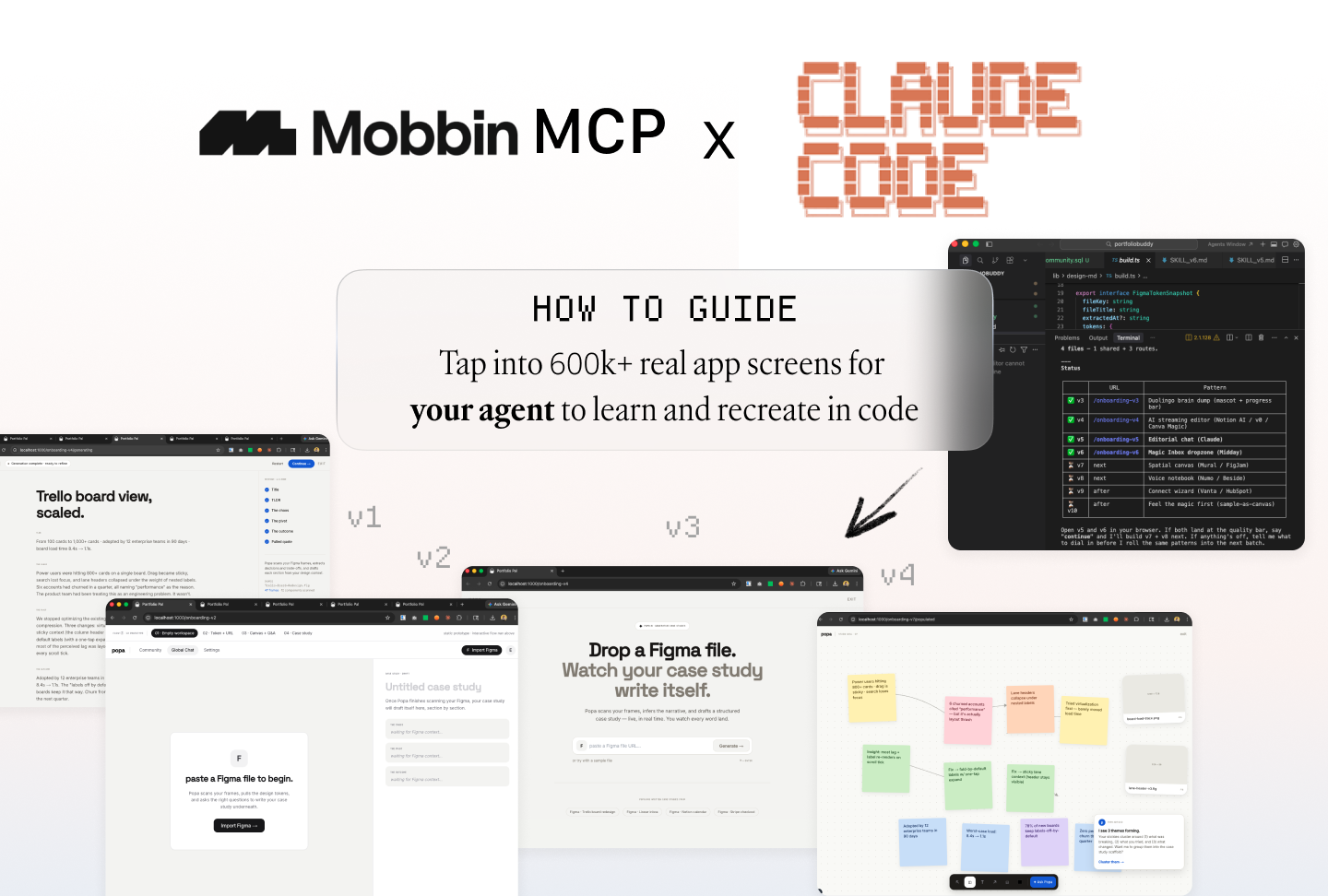
Pull Mobbin references → Synthesize UX concepts → Implement versioned Next.js prototypes on feature branches in code
Using Claude Code as a designer-developer-loop:
Mobbin MCP pulls real product references → Claude Code synthesize them into distinct UX concepts → Implement each as a polished Next.js prototype on a versioned route at localhost
As a designer I can click through real interactive designs instead of static mockups, all on a feature branch that doesn’t touch production.
Tradeoff vs Figma: you trade pixel-pushing freedom for real components, interactions, and zero fidelity loss between “design” and “shipped”.
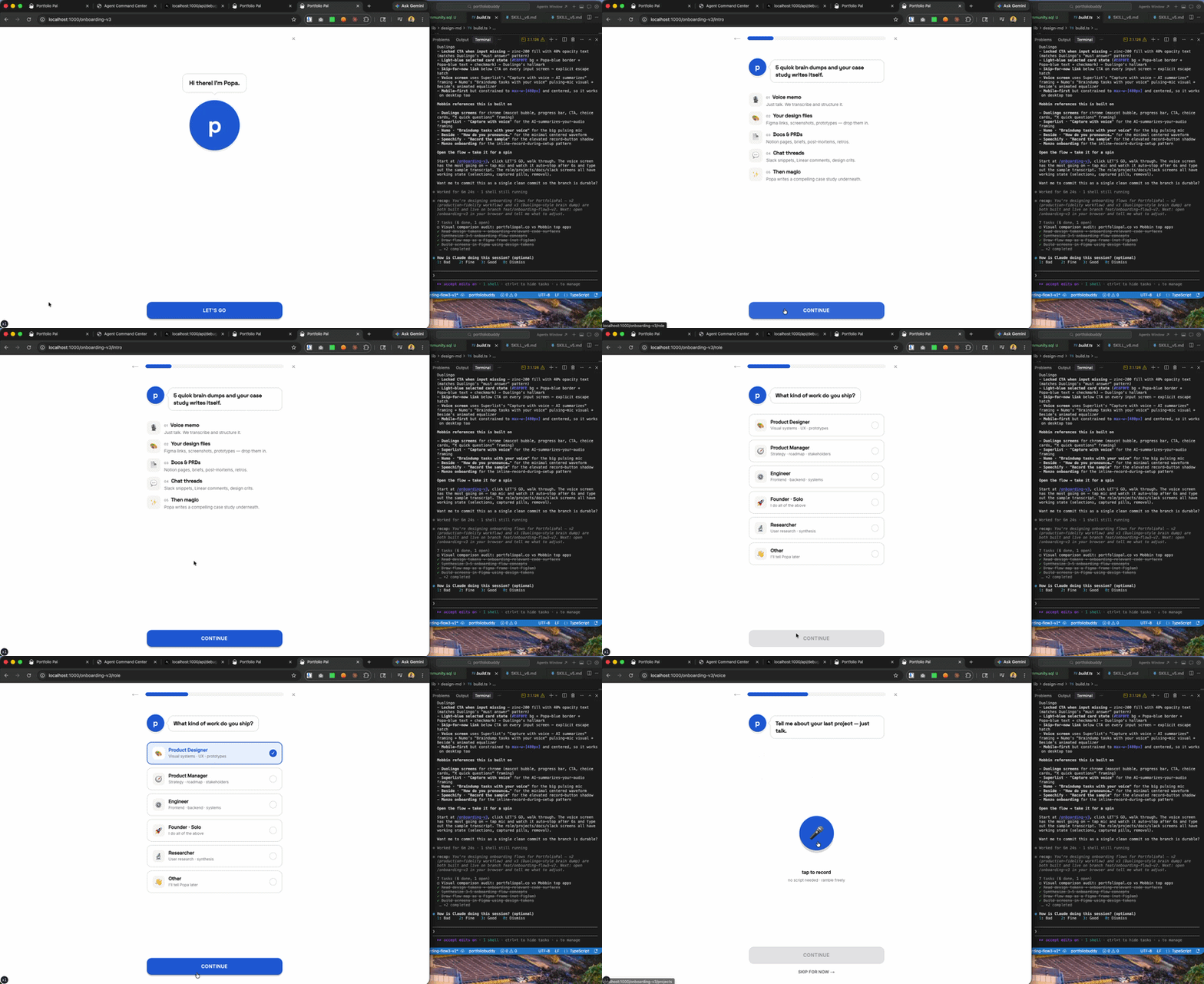
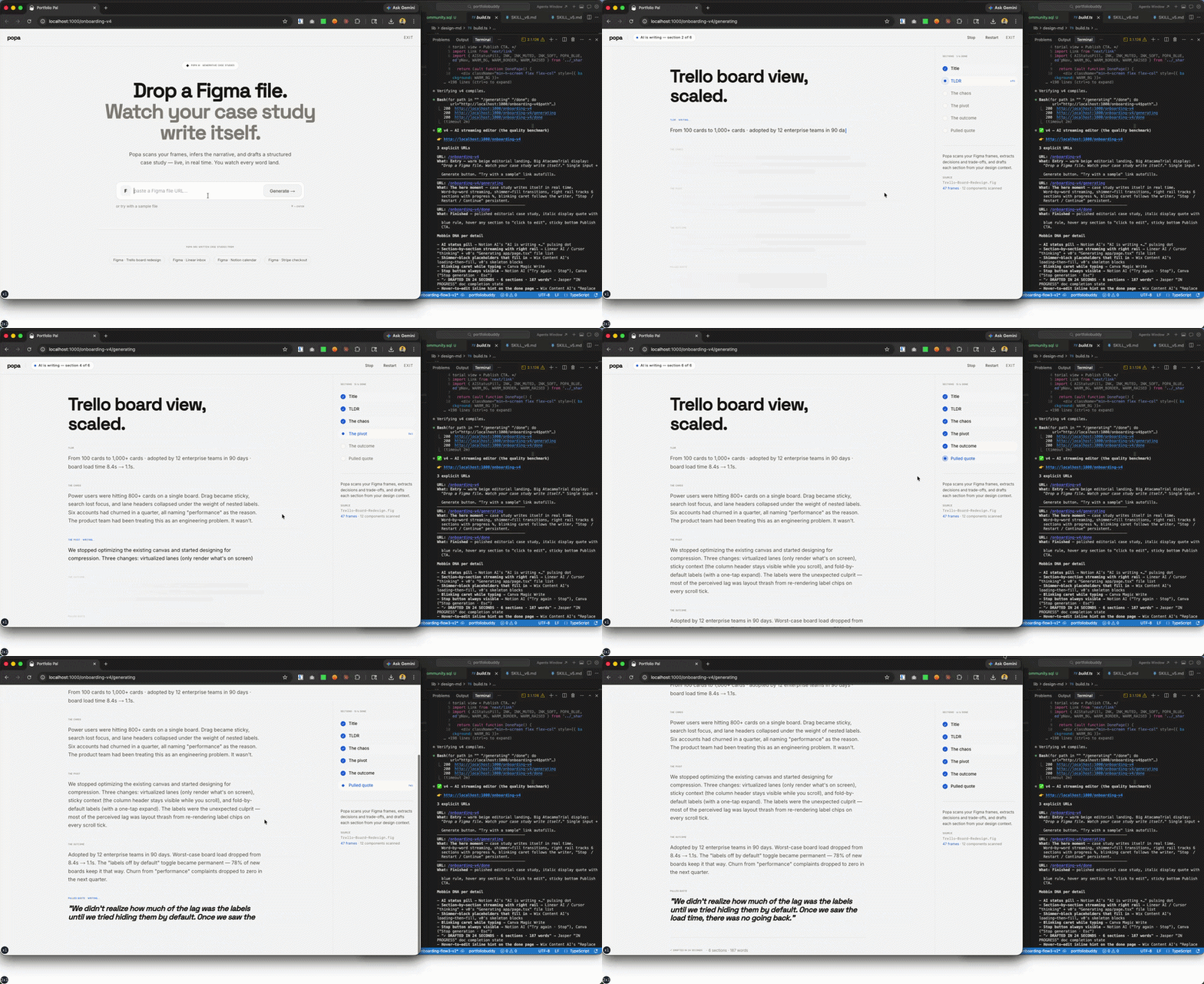
Examples of Claude Code applying design patterns from Mobbin MCP directly with my codebase in action:
Onboarding flow prototype inspired by Duolingo
Notion, Canva, v0, Jasper AI streaming editor patterns
I’ll be writing a deep dive into a guide for using Mobbin MCP + Claude Code for paid subscribers, thank you for your support for joining! ♡ ˎˊ˗
