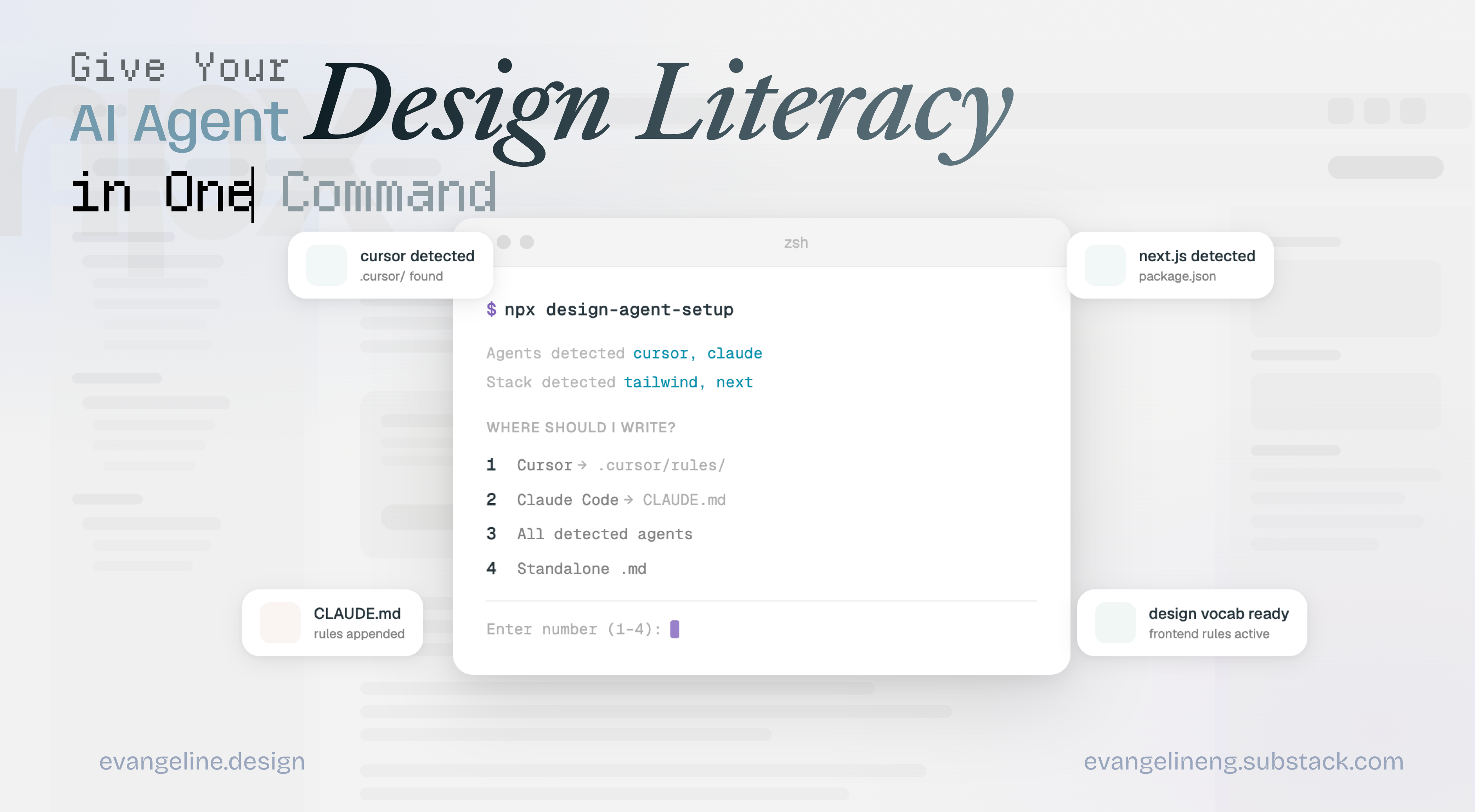
Give Your AI Coding Agent Design Literacy in One Command
Automate frontend standards across Cursor, Claude Code, Codex, so you spend less time saying “fix the spacing” and more time shipping polished designs.

The Design-to-Code Vocabulary is now a skill for your agent! („• ֊ •„)੭
I’m so glad that you guys found the Frontend Code Literacy for AI Designers: The Vocab List For Design-to-Code useful!
Designers and builders new to our community, hello! ☻
This is the skill that allows your AI coding agent to be literate with frontend design vocab.
As you’re building with AI, you prompt, it codes. But something’s always slightly off. The spacing feels inconsistent, something is cut off, the modal never makes it to the top of the surface. Personally, I found myself looking for the right words from the list and…
I realized this vocab list would be most useful as a skill / design-agent-setup that’s always on
With this, your agent is briefed before every session, giving it design literacy it didn’t have before.
What is design-agent-frontend & How to use it ?
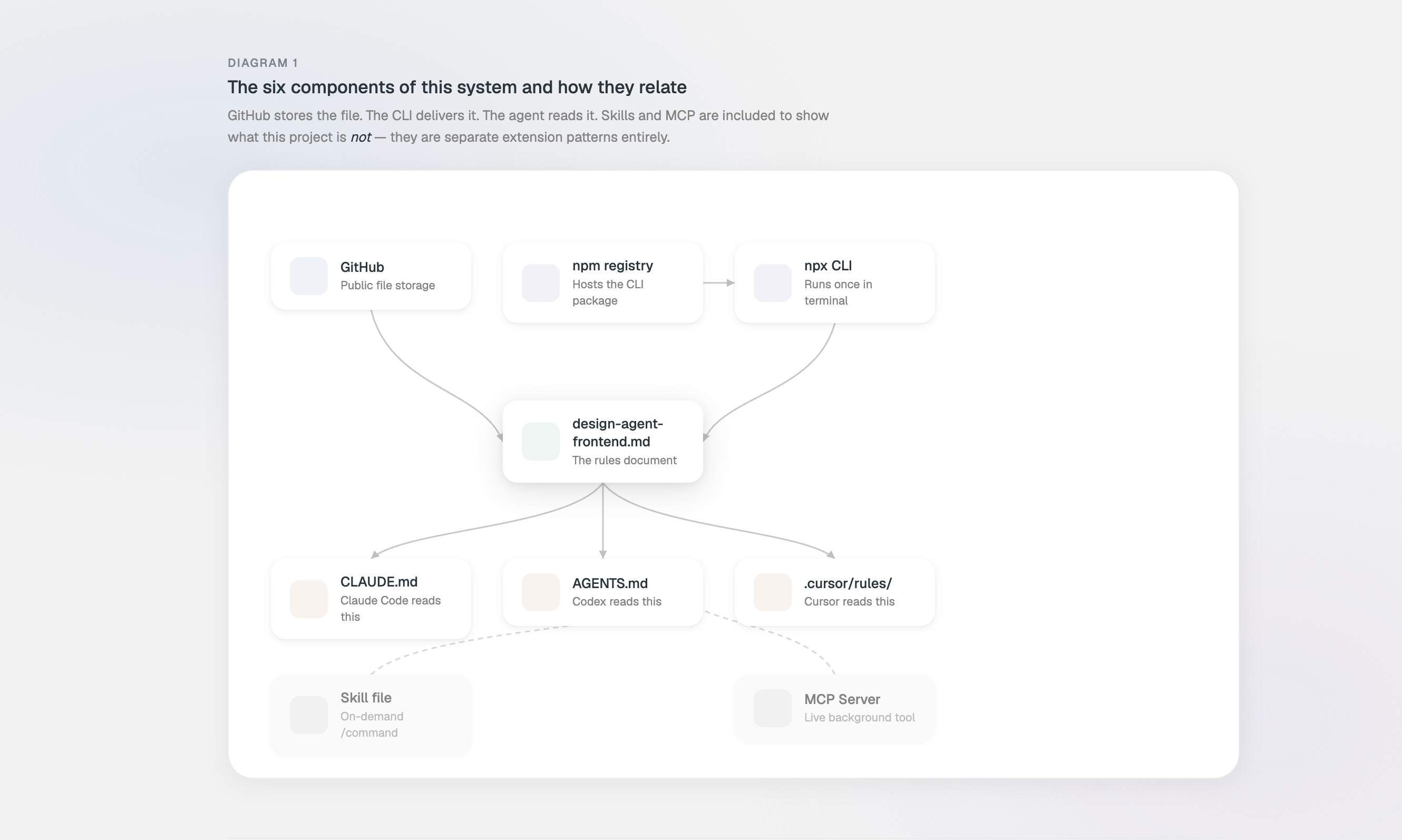
design-agent-frontend is a rules file for your AI coding agent. Drop it in once, and it carries your design standards into every session, without you re-explaining them.
Simply paste this one command to your coding agent:
npx design-agent-setup
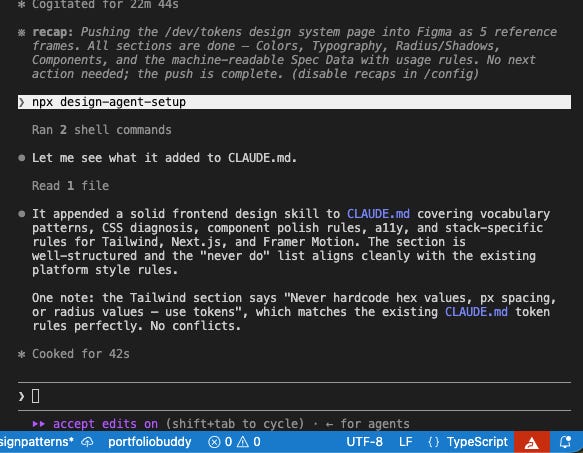
It detects which agent you’re using (Cursor, Claude Code, or Codex) and writes the file to the right place automatically.
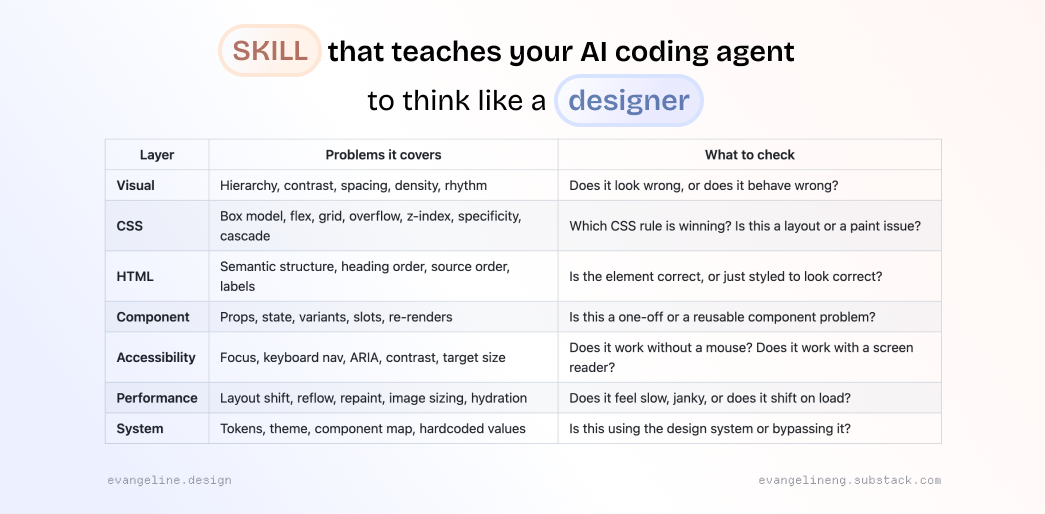
Your AI coding agent doesn’t think like a designer. It thinks like a developer who’s read a lot of Stack Overflow.
Ask it why the spacing feels off? It’ll hardcode margin: 24px and call it done.
It’s not broken. It just has no frame of reference for why the fix it chose is the wrong one.
3 Easy Ways to use npx design-agent-setup
1. You just opened a new project in Cursor
You’re starting a Next.js app in Cursor. You run the command and it finds everything automatically:
npx design-agent-setup
Agents detected: cursor
Stack detected: tailwind, next
Where should I write?
1 Cursor → .cursor/rules/design-agent-frontend.mdc
2 All detected agents
3 Standalone .md in this directory
Enter number (1–3): 1
✓ .cursor/rules/design-agent-frontend.mdc
Your coding agent now has frontend design vocabulary.
Stack-specific rules for tailwind, next were included.
From now on every file you open in Cursor has the design rules active. You never typed them. You never pasted them. Done.
2. You’re using Claude Code and you’re halfway through building a project
Your CLAUDE.md already has some project notes in it. The tool appends cleanly to the end it doesn’t touch what’s already there:
npx design-agent-setup
Agents detected: claude
Stack detected: tailwind, next, framer-motion
Where should I write?
1 Claude Code → CLAUDE.md (append)
2 All detected agents
3 Standalone .md in this directory
Enter number (1–3): 1
✓ CLAUDE.md
Stack-specific rules for tailwind, next, framer-motion were included.
Your existing CLAUDE.md is untouched at the top. The design rules sit below it. Claude reads both.
3. You just want the file. No agent, no setup
You’re not sure which agent you’ll use yet, or you want to paste it into a system prompt manually. You pick standalone:
npx design-agent-setup
No agents detected (no .cursor/, CLAUDE.md, or AGENTS.md found)
No stack detected (no package.json or no recognised deps)
Where should I write?
1 All detected agents
2 Standalone .md in this directory
Enter number (1–2): 2
✓ design-agent-frontend.md
Your coding agent now has frontend design vocabulary.
design-agent-frontend.md lands in your project root. Paste it wherever you need it — system prompt, context window, another tool entirely.
Hello I’m Evangeline Ng! I built this tool from my own workflow and it is free to use.
Introducing 1:1 Course AI Code Your Design Portfolio 🥳
Thanks for supporting and reading the guides, I build at the intersection of AI & design!
I’m hosting 1:1 AI-coding design sessions to ship your highly crafted portfolio. Come in with saved inspirations and your designs. At the end of the sessions, you’re equipped with the full AI-coding workflow and a live custom portfolio site you’re proud to apply jobs with.
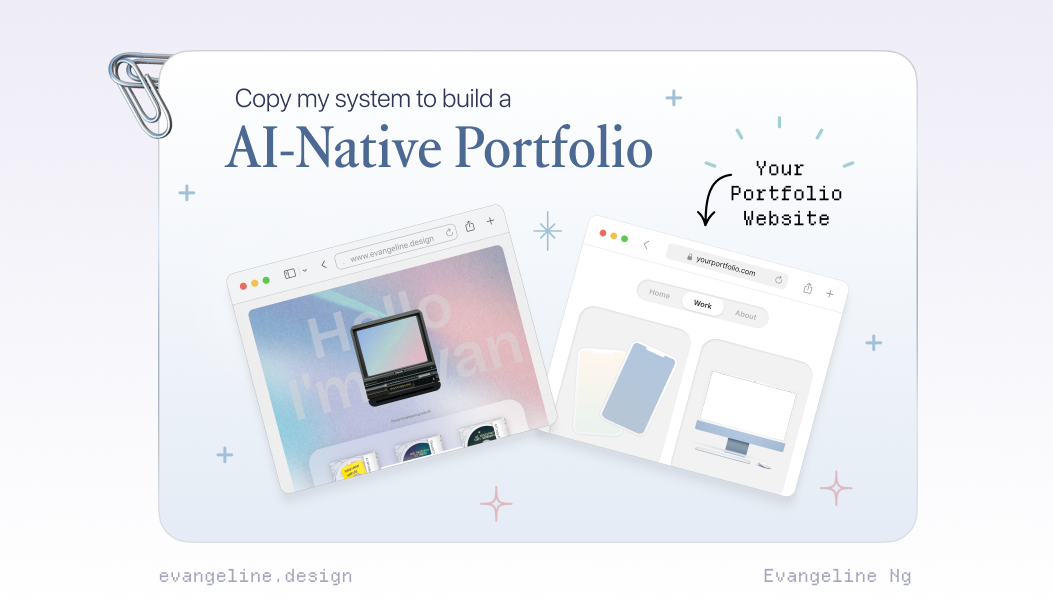
If you want to build an AI-Native Portfolio, you can register for a spot on: https://www.portfoliopal.co/portfolioweekend ☻
I’ll review and reach out to you through email if there’s a great fit between us :)
How does npx design-agent-setup work under the hood?