
Mobbin MCP + Claude Code: Generate prototypes from real 600k+ screen references
A working guide on how to use Mobbin MCP and Claude Code to ship prototypes inside your real codebase. Set up, prompts, workflow.

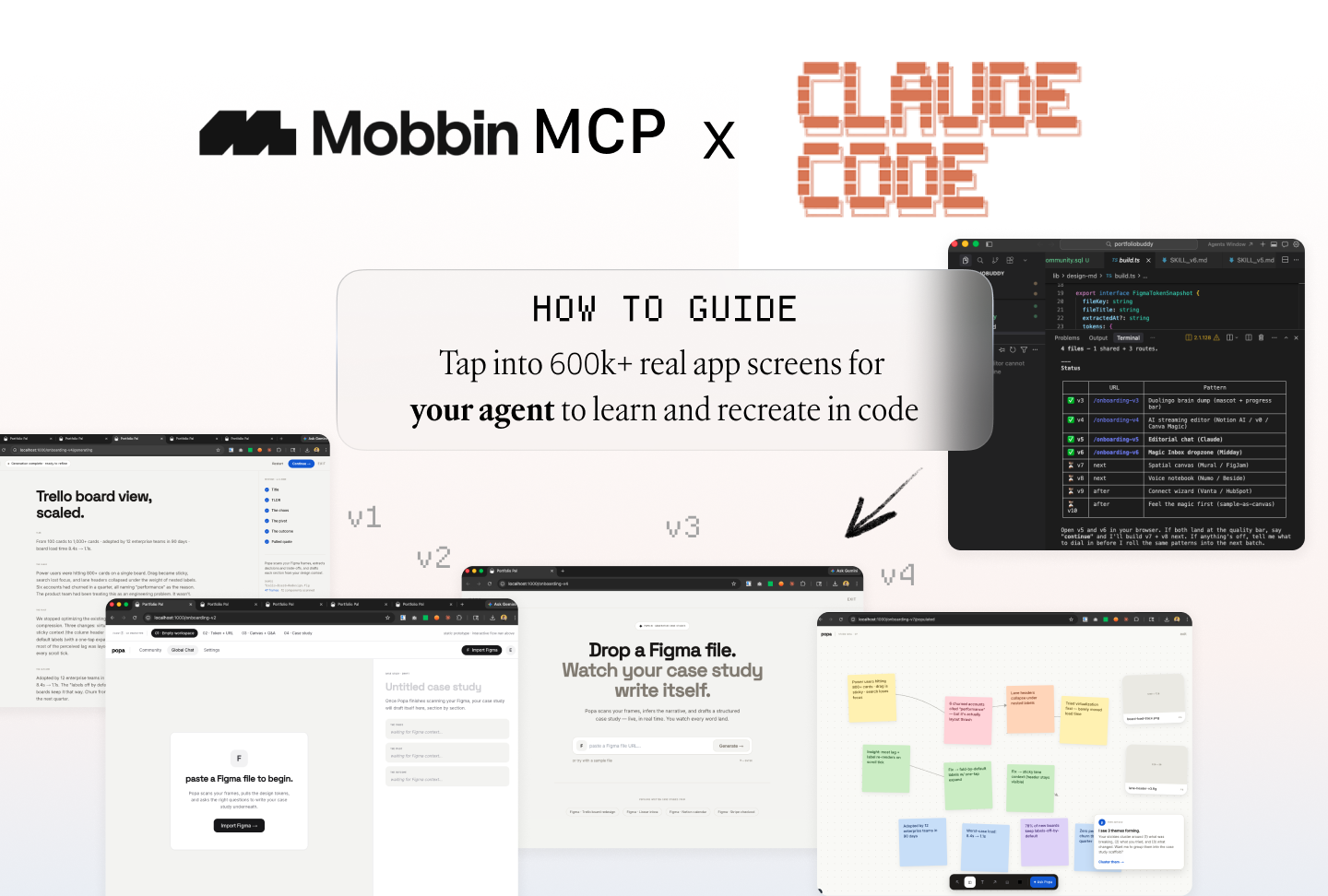
The workflow:
Mobbin MCP pulls real product references → Claude Code synthesizes them into UX concepts → implements each as a Next.js prototype on a versioned route. /proto/v1, /proto/v2, /proto/v3 on localhost. Feature branch. Real components. Real interactions.
You click through them like a user. Pick what works. The ones you keep are already half-shipped.
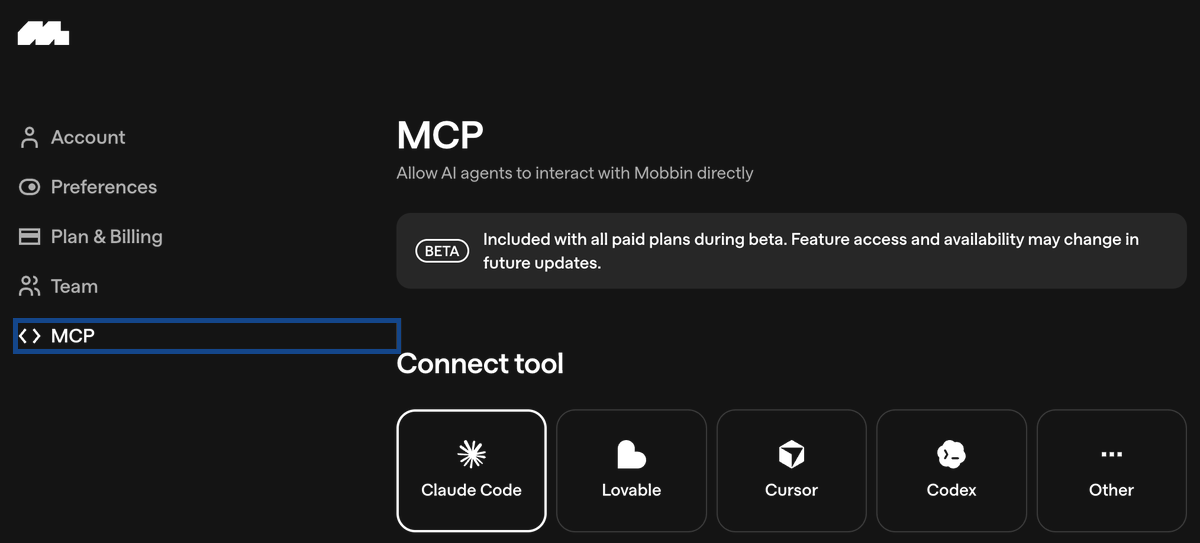
Here’s a deep dive into what to do after Mobbin MCP is wired up.
What you need
Three things:
A paid Mobbin account. The MCP works by authenticating with your session.
otherwise you might want to try Open source unofficial Mobbin MCP
Claude Code installed. Terminal-based, runs in your repo.
A real codebase. Doesn’t have to be Next.js, but the value compounds when Claude Code can pull from your actual components and design tokens. You can also clone any GitHub repo to try for example Dashboard Starter
Then ask Claude Code to open the code on localhost so you can see it
The 3-minute setup
Open a terminal in your project root.
(in your project root = just ask claude code to open this in the project root meaning where the file is located)
# 1. Auth with Mobbin (opens a browser, you log in once)
npx -y mobbin-mcp auth

# 2. Add the server to Claude Code
claude mcp add mobbin -- npx -y mobbin-mcp

# 3. Verify it loaded
claude
> /mcp
You should see mobbin: connected.
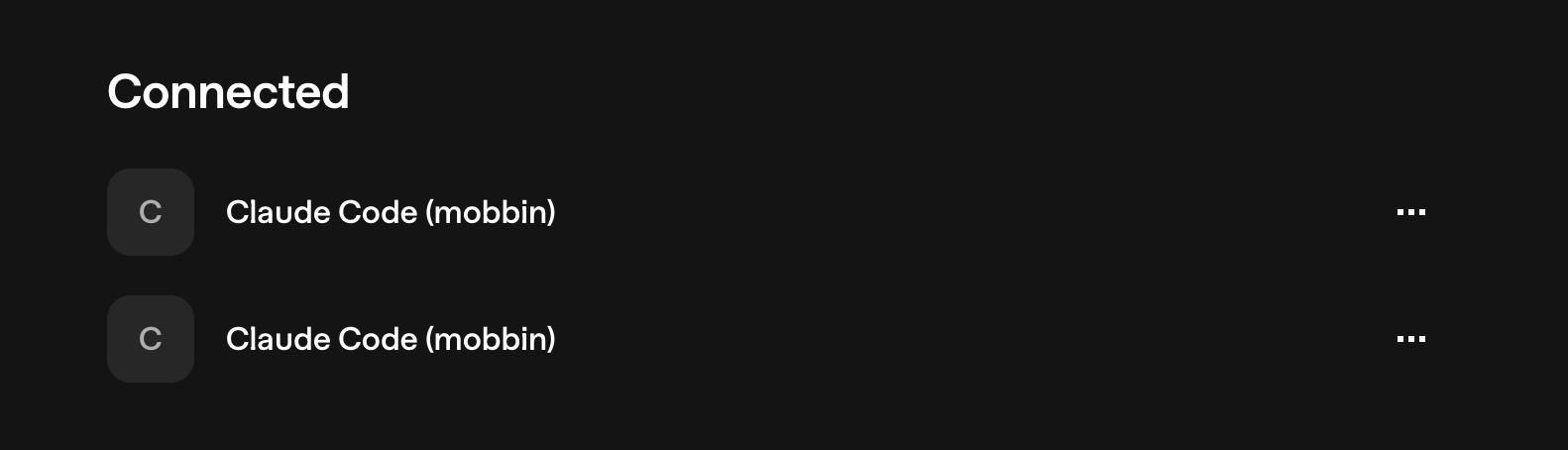
The auth saves your session cookies locally to ~/.mobbin-mcp/auth.json. They auto-refresh. If Mobbin logs you out, run the auth command again. Tell claude code “Prompt me to auth mobbin to connect mobbin mcp”
The workflow
Step 1: Tell Claude Code what you’re designing.
Open Claude Code in your project. Start with intent, not references:
“ I’m designing onboarding for [your product]. The user is [persona]. The goal is [outcome]. We currently have [what exists]. Refer to codebase.”
Claude has full context on your codebase, give it the product context if it’s net new and not inside your claude.md
Step 2: Pull references with Mobbin MCP.
Now bring in the patterns:
“Use Mobbin MCP. Pull the Duolingo onboarding flow and two other onboarding flows that handle progressive disclosure well. Show me each on localhost with versioned urls, then summarize the patterns they share.”
Claude Code calls Mobbin, fetches real screens, and synthesizes.
Step 3: Deconstruct before you generate ❗
This is the step most people skip. Mobbin MCP only supports screenshots as of now. A screenshot is a flat and Claude will ship something vibe-coded unless you force a real breakdown first.
See example below: It referenced Linear screenshots and gave me the most vibe-coded looking dashboard.
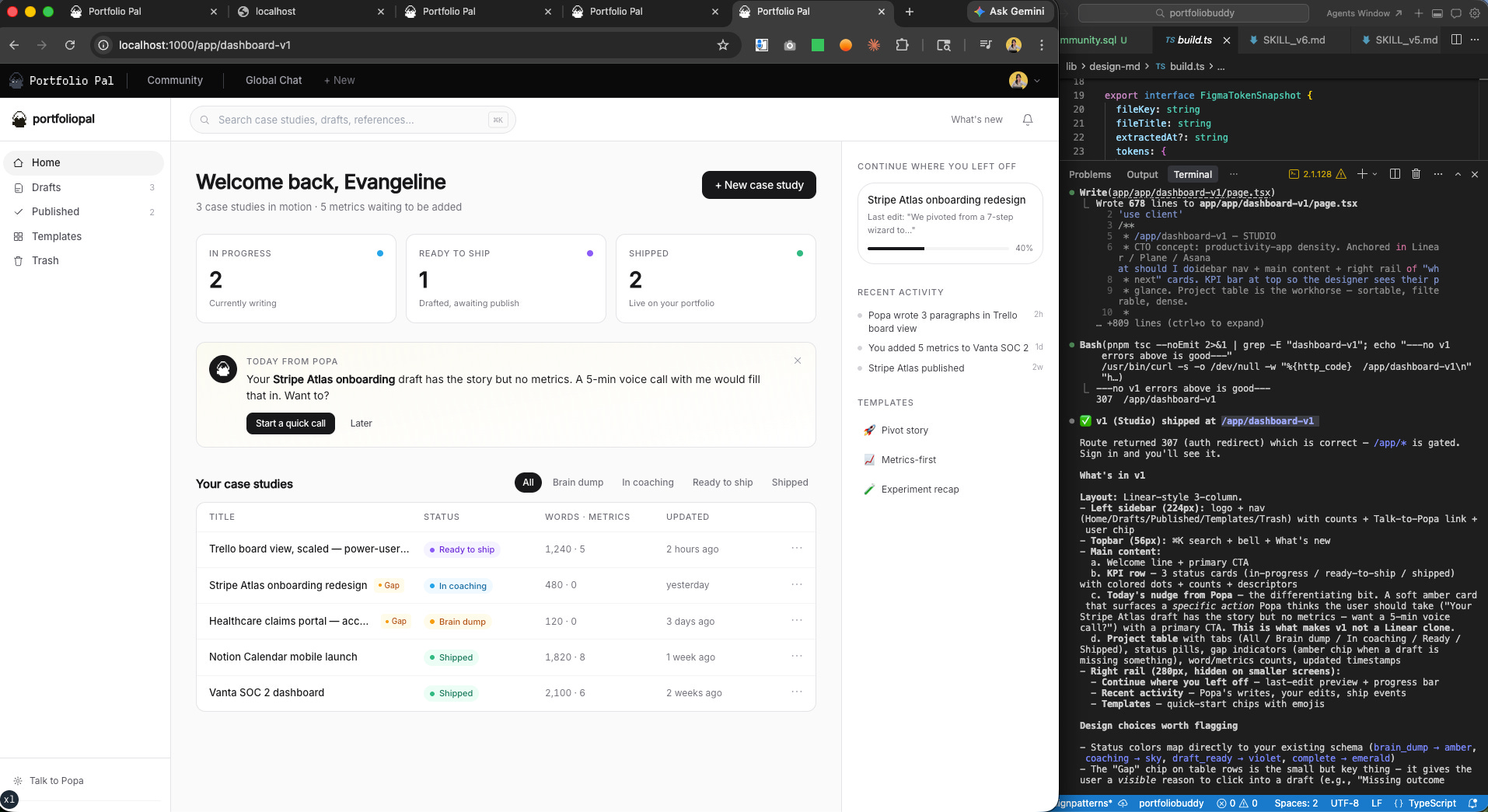
Run a design engineer subagent that studies each screen the way a designer who has to ship it would: layout, spacing, component inventory, tokens, interaction states, motion, the decision underneath the surface.
“Have the
design-engineersubagent break down these Mobbin screens before we proceed. Output a spec, not a description.”
Design engineer / claude code subagents to try:
VoltAgent’s design.md (Might have to clone the whole repo and ask claude to find the design system closest to the screens you are referencing and implement)
Use it as a template source, not as a final spec. For a design-engineering subagent, copy the structure and then tailor it to your own product’s tokens, components, and interaction rules so the agent follows your system instead of mimicking a brand blindly. Keep working on your own subagent.md with Claude Code until it accurately builds out what you envisioned.
